← Všechny návodyAll guides
Domácí vrátný s kamerouVideo intercom
2N Indoor
Na zdi v předsíniOn the wall in the hallway
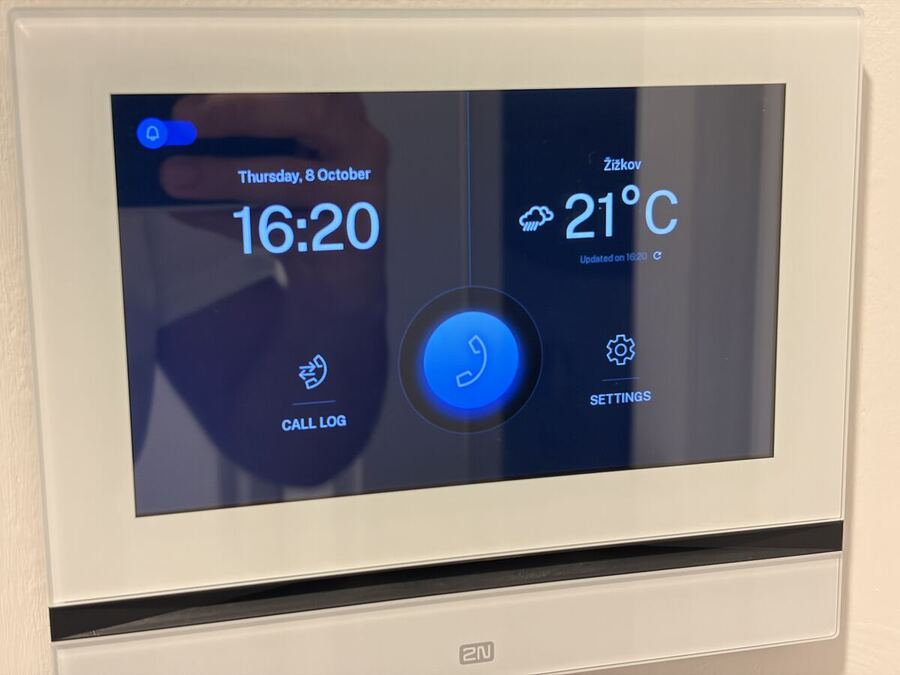
Zvoní návštěva? Klepněte na sluchátko, dveře otevřete ikonou zámku.Someone ringing? Tap the handset; open the door with the padlock icon.
Když někdo zazvoní u vchodu do domu (kurýr, taxi, rozvoz jídla), panel zazvoní a ukáže obraz z kamery.
When someone rings at the building entrance (courier, taxi, food delivery), the panel rings and shows the camera picture.
Přijmout hovor a otevřítAnswer and open the door
- Klepněte na zelené sluchátko (nebo kamkoli na obraz) – můžete mluvit.Tap the green handset (or anywhere on the picture) to talk.
- Ikonou zámku otevřete vstupní dveře domu. Ozve se tón a ikona blikne zeleně.Tap the padlock icon to open the building door. You hear a tone and the icon flashes green.
- Hovor ukončíte červeným sluchátkem.End the call with the red handset.
ZvoněníRinging
- Zvonek vlevo nahoře zapíná a vypíná zvonění. Přeškrtnutý zvonek = nebude zvonit.The bell icon (top left) turns ringing on or off. A crossed-out bell means it will not ring.
- Když čekáte jídlo nebo taxi, nechte zvonění zapnuté.Keep ringing on when you expect food or a taxi.
Když něco nejdeTroubleshooting
- Nezvoní: zkontrolujte, že zvonek vlevo nahoře není přeškrtnutý.No ringing: check the bell icon (top left) is not crossed out.
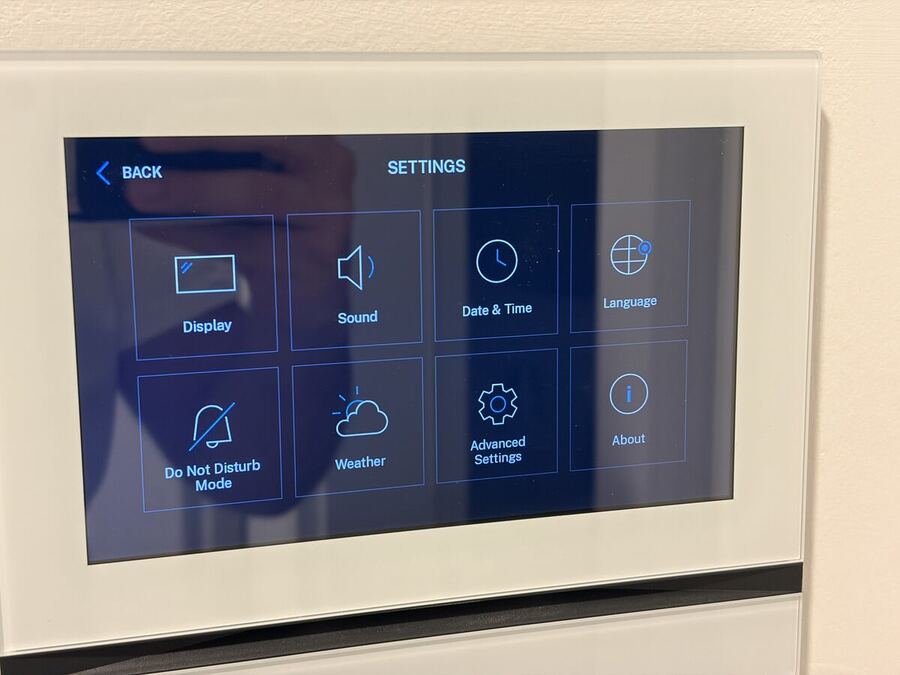
- Prosíme, neměňte nic v Nastavení (SETTINGS).Please do not change anything under SETTINGS.
Pořád nevíte?Still stuck?
Napište hostiteli přes aplikaci Airbnb – odpovídáme rychle.
Message your host in the Airbnb app – we reply quickly.